
PlainVPN / Android
VPN for Android
Connect your Android phone or tablet with PlainVPN. Choose a location, switch between Simple and Advanced mode, and keep your favorite servers close at hand.
01 / Features
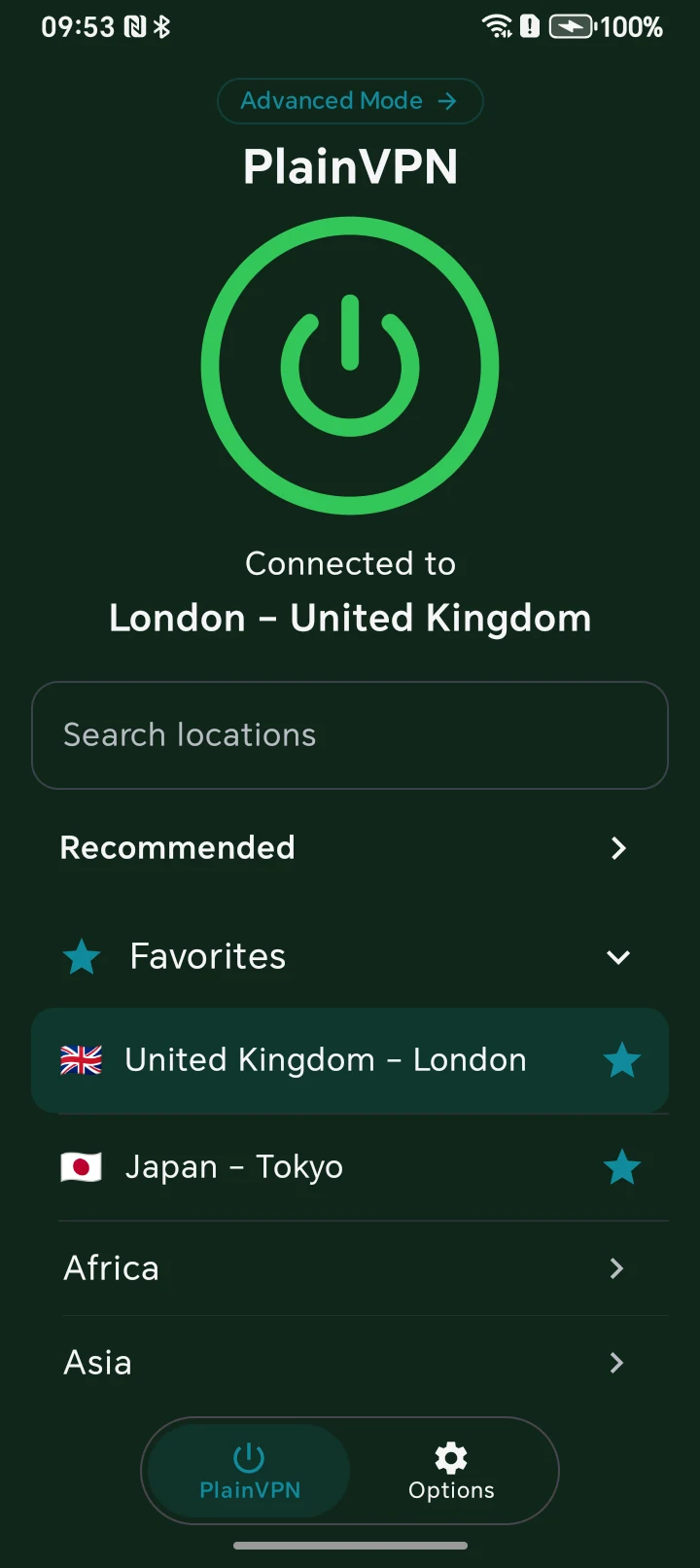
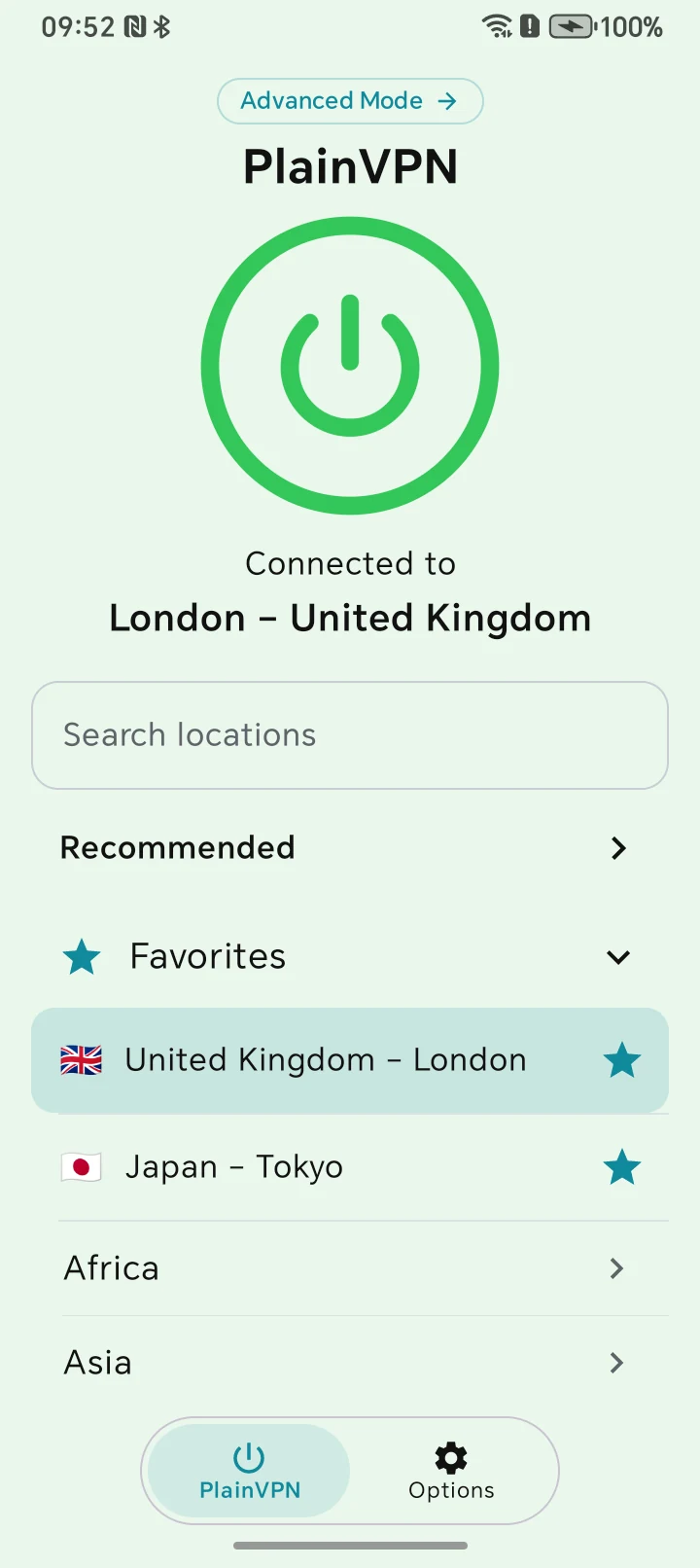
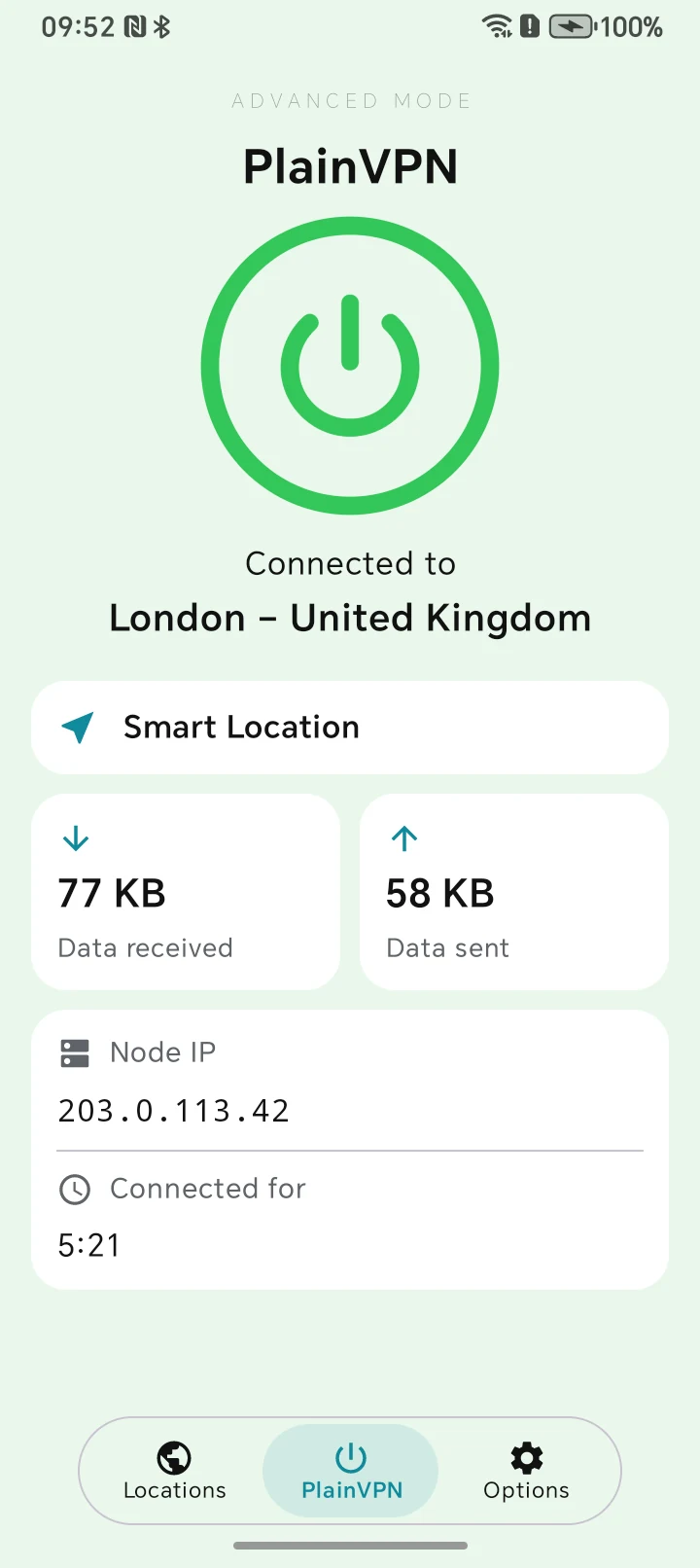
Two modes. One familiar connection.
Use Simple mode for everyday connections, or open Advanced mode to see session traffic, connection duration, and server details. Smart Location helps you choose a server, while Favorites keeps the locations you use close at hand.
02 / Android
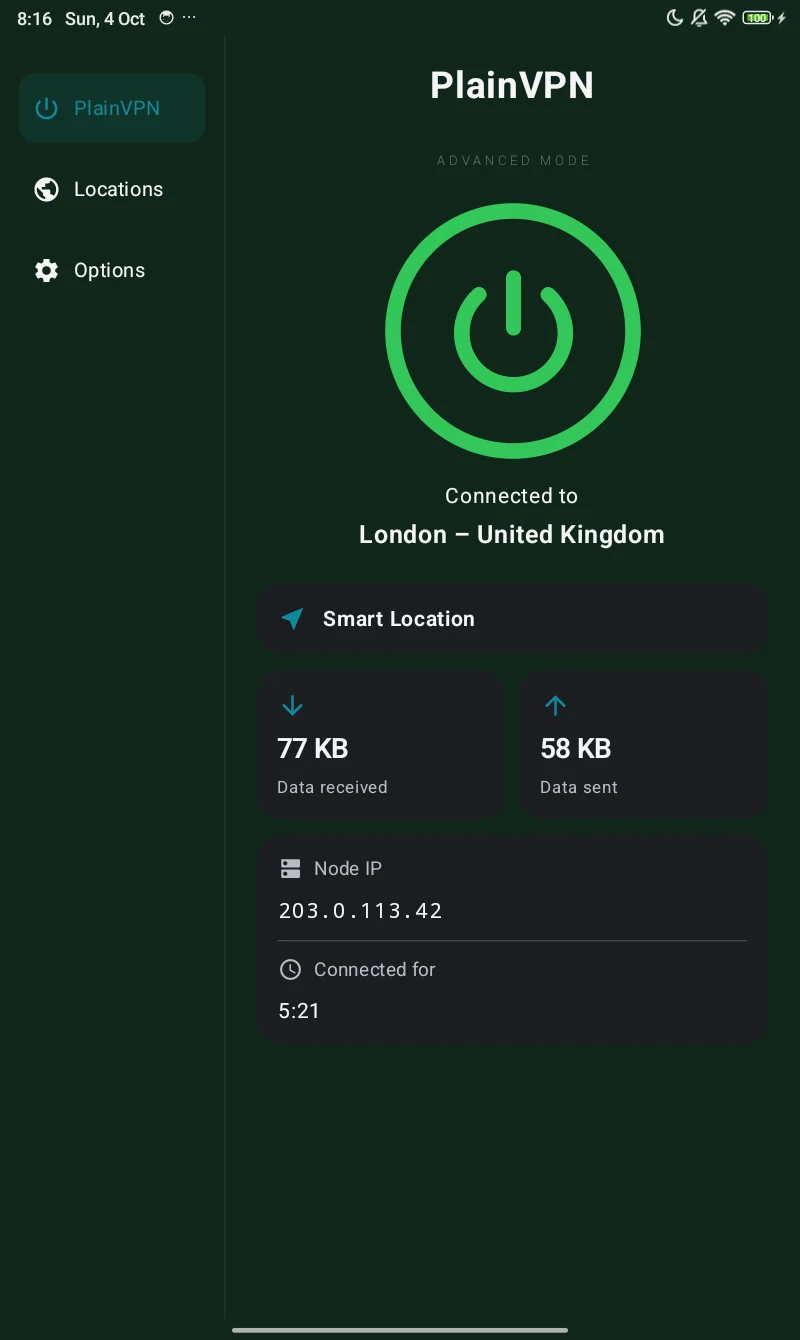
More room on your tablet
A sidebar keeps navigation within reach, while the larger layout gives your connection details room to breathe. Use Simple or Advanced mode on your Android tablet, with locations just a tap away.
03 / Features
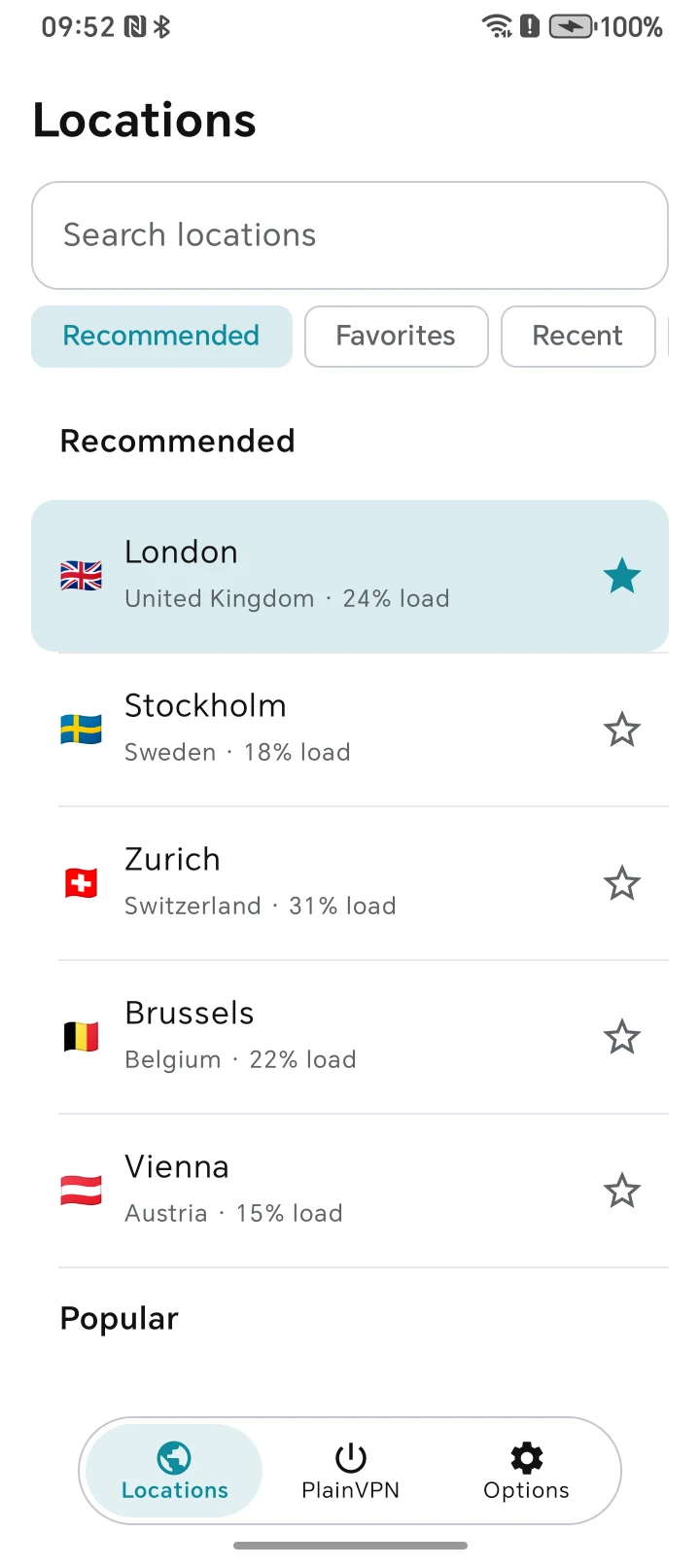
Find a location. Make it a favorite.
Search locations, browse recommendations, or return to a recent server. Tap the star to save a favorite. In Advanced mode, the Locations tab gives your server list its own screen.
Read our privacy policySet up your Android VPN
Download and install
Install PlainVPN from Google Play and open it on your phone or tablet.
Sign in
Sign in to your PlainVPN account. Choose a plan if you do not already have active access.
Choose a location and connect
Select a location or use Smart Location, then tap the connect button. Allow the VPN configuration when your device asks.
Questions
Can I use PlainVPN on an Android phone and tablet?
Yes. PlainVPN has layouts for Android phones and tablets. Open the Google Play listing on your device to check compatibility before installing.
Is the Android app free to download?
Yes. Downloading the app from the Google Play is free. Using the VPN requires active PlainVPN access. See the pricing page for available plans.
Can I save my favorite VPN locations?
Yes. Tap the star beside a location to add it to Favorites. Open Favorites when you want to find it again.
Do I need Advanced mode to connect?
No. Simple mode lets you choose a location and connect. Advanced mode adds connection statistics and details for people who want to see more.
Your phone. Your tablet. Your connection.
Download the app, sign in, and choose your connection. Need help getting started? Our support team can help.
All VPN apps